
3D Photo Compositor
Quick-Start Guide
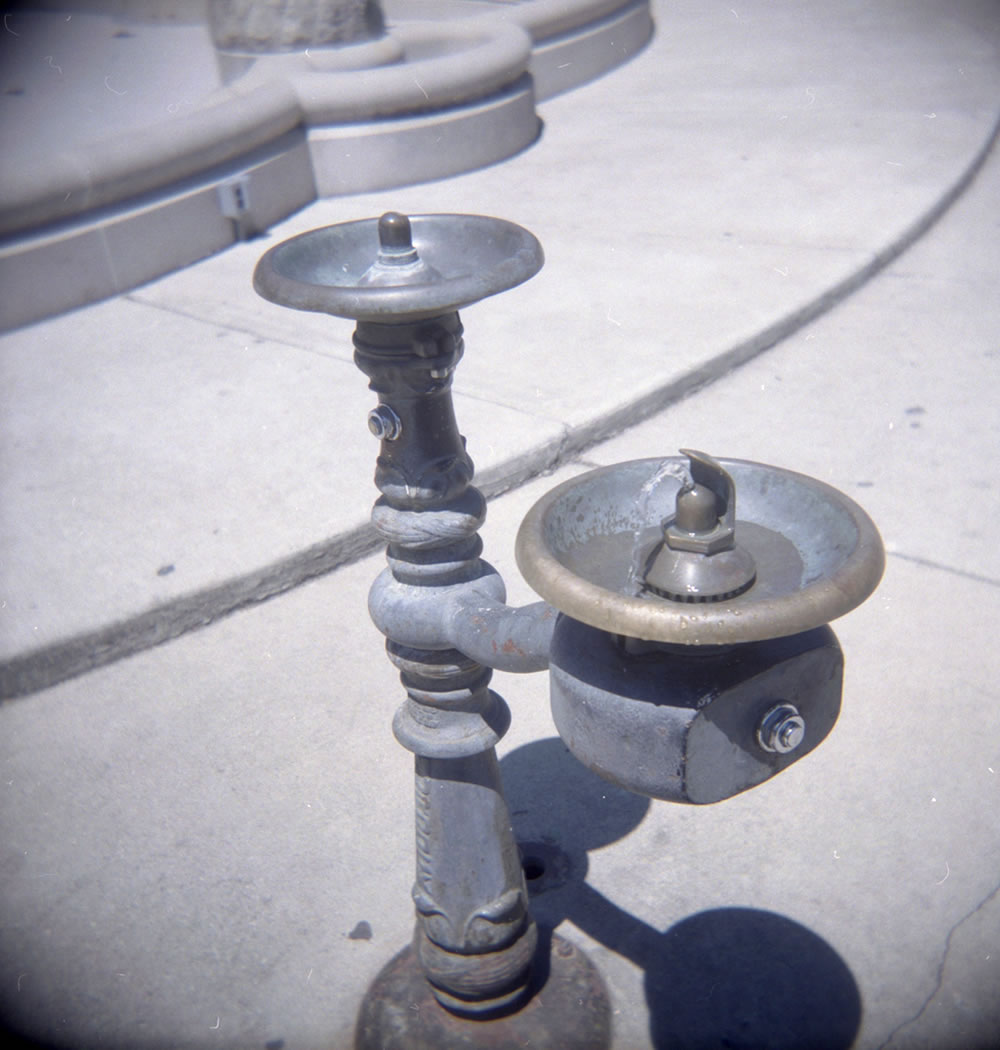
Drag around in the viewer to the left, and align the two images along some feature near the center of the scene – for instance, the button on the left fountain.
Then, check the “Slide Horizontally Only” box below, put on your 3-D glasses, and and drag the viewer left and right to adjust the depth at which the scene appears.
Pay attention to the edges of the scene. You should set the depth such that anything that crosses the edges stays “behind” your computer screen.
Many of the options below have hover text to help you understand what they do.
Viewer
Colors
Anaglyph: